Keep the DAKEVO identity consistent
Download the DAKEVO vector logo, brand sharing artwork and social starter pack for product communication. Use the supplied files to keep the name, colours and layout consistent across your website, posts and purchasing materials.
- SVG logo for layouts that need scalable artwork.
- PNG brand sharing artwork for digital use.
- Social starter pack with product images and post drafts.
Give buyers the product information
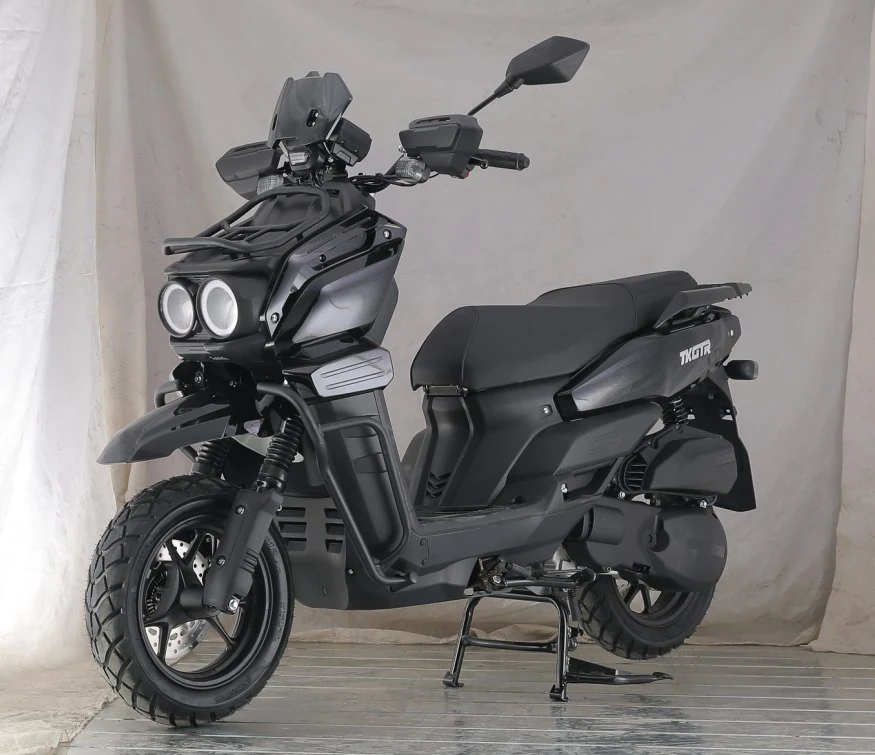
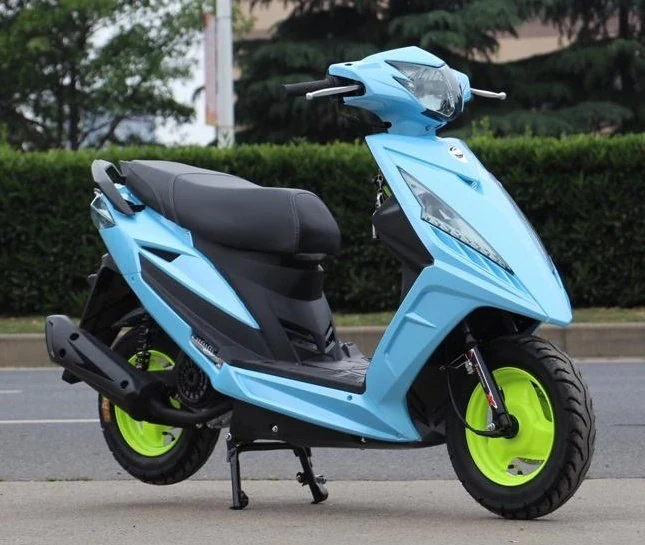
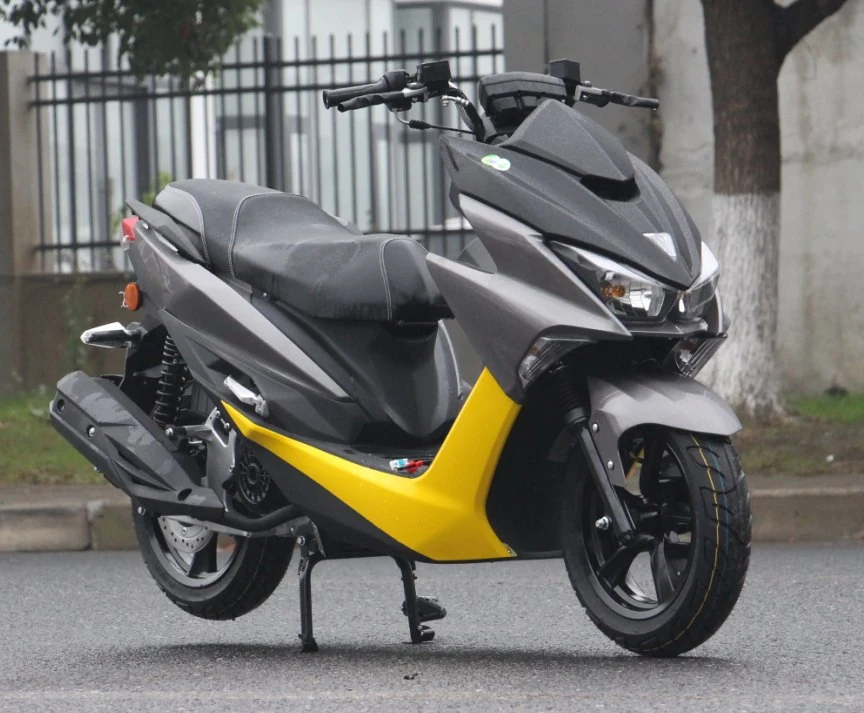
The product selection guide presents 21 selected models from the November 2026 edition. The comparison CSV and individual specification downloads help buyers review model details alongside the vehicle photographs.
Include the full model code, the product page link and the configuration reference when sharing materials. Use the enquiry checklist to collect the details needed for a supply discussion.
- Product selection guide in PDF format.
- Model comparison sheet in CSV format.
- Order enquiry checklist in text format.
Request a closer look
Need to see the controls, equipment or a particular feature on your shortlist? Include the full model code and the details you would like to review in your enquiry. Ask about available product footage and packing information for the configuration under discussion.
- Product walkaround: body, controls and selected equipment.
- Packing details: protection, package arrangement and identification.
- Loading and shipment information for the agreed order scope.
Share the complete product reference
Send a product link alongside the photograph or specification file so your colleagues can check the same model. Keep any configuration notes with the material you share.
For additional media or information about a specific model, contact DAKEVO with the product code and your intended use.
- Use the full model code in your enquiry.
- Keep the picture and specification together.
- Check the proposed configuration before publishing product claims.